ReFILE checker: which way to change your return
Short answer
ReFILE lets you send changes to an assessed return from certified tax software, for 2022 to 2025 returns first filed electronically. Change my return in your CRA account covers 2016 onward, including paper-filed returns. A few cases, such as bankruptcy years or a return filed for the wrong province, must go by mail on Form T1-ADJ.
- What it is
- The CRA’s online way to amend a T1 return from tax software after you get your notice of assessment.
- Who it helps
- People who filed with certified software, family members helping them, and professional preparers using EFILE software.
- When to use it, and the catch
- When you find a missed slip, deduction or credit. The catch: you can’t use it to change your address, direct deposit, marital status or an election, and only one change request can be in progress at a time.
Example: Lee filed her 2024 return with software and found a missed RRSP receipt. ReFILE works; online changes take about 2 weeks. Her 2019 return would need Change my return instead.
ReFILE checker
Runs in your browser. Nothing is saved or sent.
Will your net worth last?
How much you can spend monthly
A guide to the CRA’s options, not a filing service. The CRA’s chooser is final.
Which option covers what
| Option | Tax years | Can’t be used for |
|---|---|---|
| ReFILE (certified tax software) | 2022 to 2025 this season (open until January 29, 2027) | Paper-filed returns, returns before 2022, bankruptcy years, optional deceased returns, wrong province, most non-resident and T2203 returns |
| Change my return (CRA account) | 2016 to 2025 | Bankruptcy years, optional deceased returns, wrong province, some non-resident returns |
| Form T1-ADJ by mail | Any year (no refund after 10 calendar years) | Nothing; it is the fallback for every case |
How this is calculated / assumptions
- Follows the CRA’s “confirm which option you can use” chooser on Changing a tax return. ReFILE years come from the ReFILE terms and the EFILE hub: 2022, 2023, 2024 and 2025 returns in the February 23, 2026 to January 29, 2027 window. The CRA’s change page separately says ReFILE can’t change returns before 2021; this tool uses the stricter 2022 start and sends 2021 to Change my return.
- Family or friends can ReFILE only if the return was filed with NETFILE-certified software and they have level 2 (or higher) representative access. Professional preparers must use EFILE-certified software; they can ReFILE immigrant and returning-resident returns from 2023.
- Processing: online within 2 weeks, mail within 19 weeks, and up to 35 weeks for years beyond the normal 3-year reassessment period, bankruptcy and deceased returns (the tool treats returns more than 3 years old as beyond it).
- Refund deadline: the CRA can’t issue a refund for a change requested more than 10 calendar years after the end of the tax year.
- Wait for your notice of assessment, and for the answer to any earlier change request, before sending another.
Sources
Sources (checked 29 September 2026): CRA’s Changing a tax return; CRA’s ReFILE Terms and Conditions; EFILE for electronic filers.
FAQ
- Which years can I ReFILE in 2026?
- 2022, 2023, 2024 and 2025 returns, until January 29, 2027. For 2016 to 2021, use Change my return in your CRA account; for 2015 and earlier, mail Form T1-ADJ.
- Do I have to use the same software to ReFILE?
- No. Any certified tax software with ReFILE works, though using the same product can be easier. The original return must have been filed electronically.
- How long does a ReFILE take?
- The CRA aims to process online changes within 2 weeks. Changes for years beyond the normal 3-year reassessment period, bankruptcy or deceased returns can take up to 35 weeks.
Full guide
This guide summarises CRA’s Changing a tax return page, the tax software hub, and the ReFILE Terms and Conditions. Related: T1 adjustment, NETFILE, EFILE, Autofill My Return, notice of assessment, notice of objection, and tax filing deadlines.
What ReFILE is
On Changing a tax return, CRA describes ReFILE as the option inside certified tax software to request changes to a return you already sent electronically. You do not need the same software product you used for the original send, though CRA notes it may be easier. CRA also states that all certified software products now include ReFILE.
ReFILE is an amended T1 path—not the original electronic filing. CRA’s tax software hub pairs NETFILE with initial personal returns and ReFILE with amended T1 returns. For the published window on that page, NETFILE and ReFILE are open from Monday, February 23, 2026 at 6:00 a.m. (Eastern time) until Friday, January 29, 2027. Changing a tax return also notes daily software-service maintenance from 3 a.m. to 6 a.m. ET, and a closed window from February 2 to 23, 2026 for tax-year updates. EFILE’s published open time starts at 8:30 a.m. ET the same day—confirm live times on Canada.ca.
Wait for your notice of assessment
CRA states you must wait until you receive your notice of assessment (NOA) before you can request a change to your return. The return must have been filed by you or your tax preparer. If you already submitted a request for changes, wait until you get a response from the CRA before requesting additional changes to that return. A ReFILE asks the CRA to reassess amounts or missing information on an assessed return—it is not a brand-new original filing. After review, CRA describes three outcomes: adjustments complete (a notice of reassessment (NOR)); some adjustments made (NOR plus an explanation); or no adjustments (a letter explaining why).
ReFILE vs Change my return vs Form T1-ADJ vs objection
These paths are easy to mix up. CRA lists three high-level ways to change amounts or missing information on an assessed return. Online services are faster than mail and can help you avoid errors:
- ReFILE in certified tax software — when the return you are changing was sent with certified software (see NETFILE for self-filers and EFILE for preparers).
- Change my return in your CRA account (My Account) — a separate online service for most tax situations when you have account access; authorized representatives need at least level 2 access to change someone else’s return.
- Form T1-ADJ by mail — the paper T1 Adjustment Request when you cannot (or choose not to) use the online options, or when CRA’s interactive “confirm which option you can use” tool points you to mail only. See the T1 adjustment request guide.
A notice of objection is different: it is the formal first step when you believe CRA misinterpreted the facts or misapplied the law on an assessment or reassessment. Routine missed slips or forgotten deductions belong on the change-return / ReFILE / T1-ADJ path—not an objection. Use CRA’s live chooser on the change-return page for your tax year and situation.
Who can ReFILE (as CRA states)
Changing a tax return states software-based ReFILE eligibility at a high level only:
- Your own return: you must have used certified tax software to file the return you are requesting to change.
- Family member or friend: you must have used NETFILE-certified tax software to file that return, and you must be an authorized representative with at least level 2 access.
- Professional tax preparers (such as an accountant or discounter): you must have used EFILE-certified tax software. See WisePlan’s EFILE guide for the preparer channel at a high level.
CRA’s ReFILE Terms also require using software certified for ReFILE and the latest version; outdated software can block a transmission. Autofill My Return can pull CRA slips into software, but autofill is not itself a ReFILE transmission.
Which tax years ReFILE covers (year labels)
CRA’s tax software hub and ReFILE Terms state you can file amended T1 returns for 2022, 2023, 2024, and 2025 using ReFILE in the published February 23, 2026–January 29, 2027 window. Changing a tax return separately lists that you cannot use ReFILE to change a return before the 2021 tax year. Confirm the live year list on Canada.ca before you transmit. Initial NETFILE in the same window covers 2018 through 2025—that is the original-file path, not ReFILE. For paper or older years, see T1 adjustment and tax filing deadlines.
What you can and cannot change (high level)
CRA says you can change a return if you need to adjust amounts or provide missing information, including reporting income (such as a T4 slip or tips), claiming a deduction, credit, or expense (such as childcare or medical costs), or adding a missing tax slip (such as an RRSP contribution receipt).
You cannot use a change request to apply for benefits or credits, make or revise an election, allocate a refund to other CRA accounts, or update personal information (address, email, direct deposit, marital status, or name)—use My Account for those updates. The ReFILE Terms likewise state that name, address, marital status, and direct deposit are not transmitted with ReFILE; any notice of reassessment and refund follow the information already on file with the CRA.
CRA also lists separate ReFILE exclusions at a high level (for example certain bankruptcy years, optional deceased-taxpayer T1 returns, incorrect province or territory of residence, some international or non-resident situations, and Form T2203 business-income situations). Use CRA’s confirm-which-option tool, see T1 adjustment when mail remains, and see taxpayer relief for relief beyond normal limits.
After you send a ReFILE
CRA’s ReFILE Terms note: once you send a ReFILE submission, a preliminary check runs. If the changes meet the basic requirements, the CRA sends a confirmation number within seconds—accepted for processing. If not accepted, review against your most recent notice of assessment and try again. Changing a tax return publishes typical processing as within 2 weeks for online requests and within 19 weeks of receipt for mail (Form T1-ADJ), with some complex requests taking up to 35 weeks. After review you will get a response through CRA online mail or by letter mail (NOR, partial NOR, or a letter). Confirm live figures with CRA’s Check CRA processing times tool.
Keep refunds and balances beside your plan
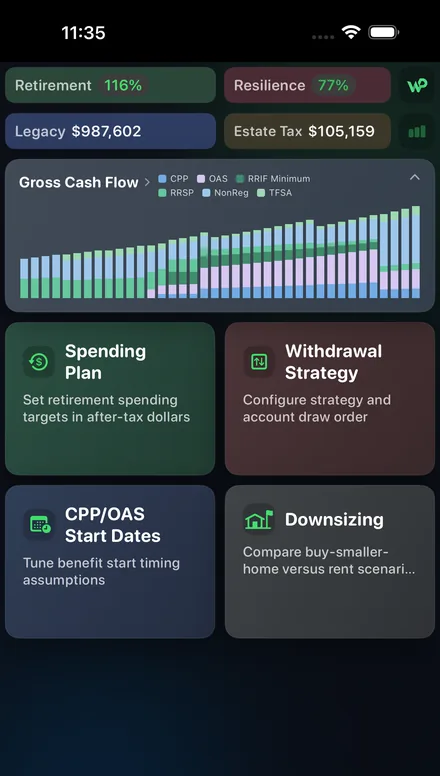
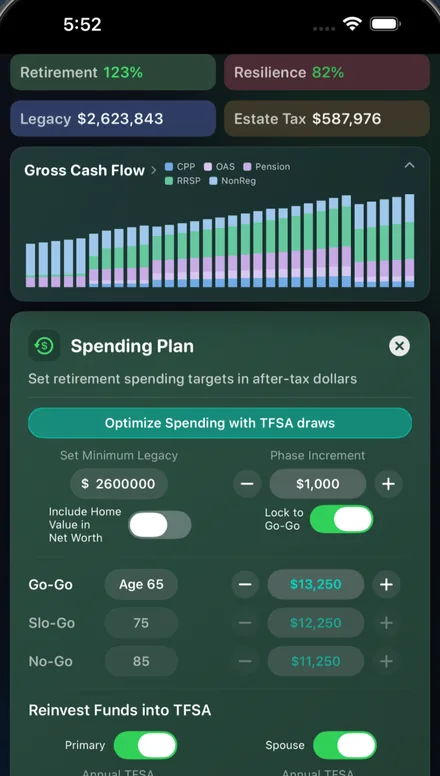
WisePlan Wealth is an on-device Canada+US retirement planner. After a ReFILE, Change my return, or T1 adjustment request and your notice of reassessment settle, line up any refund or balance owing beside contribution room and the rest of your plan. Free to start. No account required—data stays on the device for privacy.
Source: Canada.ca, checked Oct 2026.
This is general information, not financial, tax, investment, legal, or accounting advice. ReFILE, NETFILE, EFILE, Change my return, Form T1-ADJ, notice of assessment, notice of reassessment, and notice of objection are administered under published Canada.ca guidance and can change. Confirm current eligibility, tax years, exclusions, software certification, and processing status on Canada.ca or with a qualified professional. Page dated 4 September 2026.